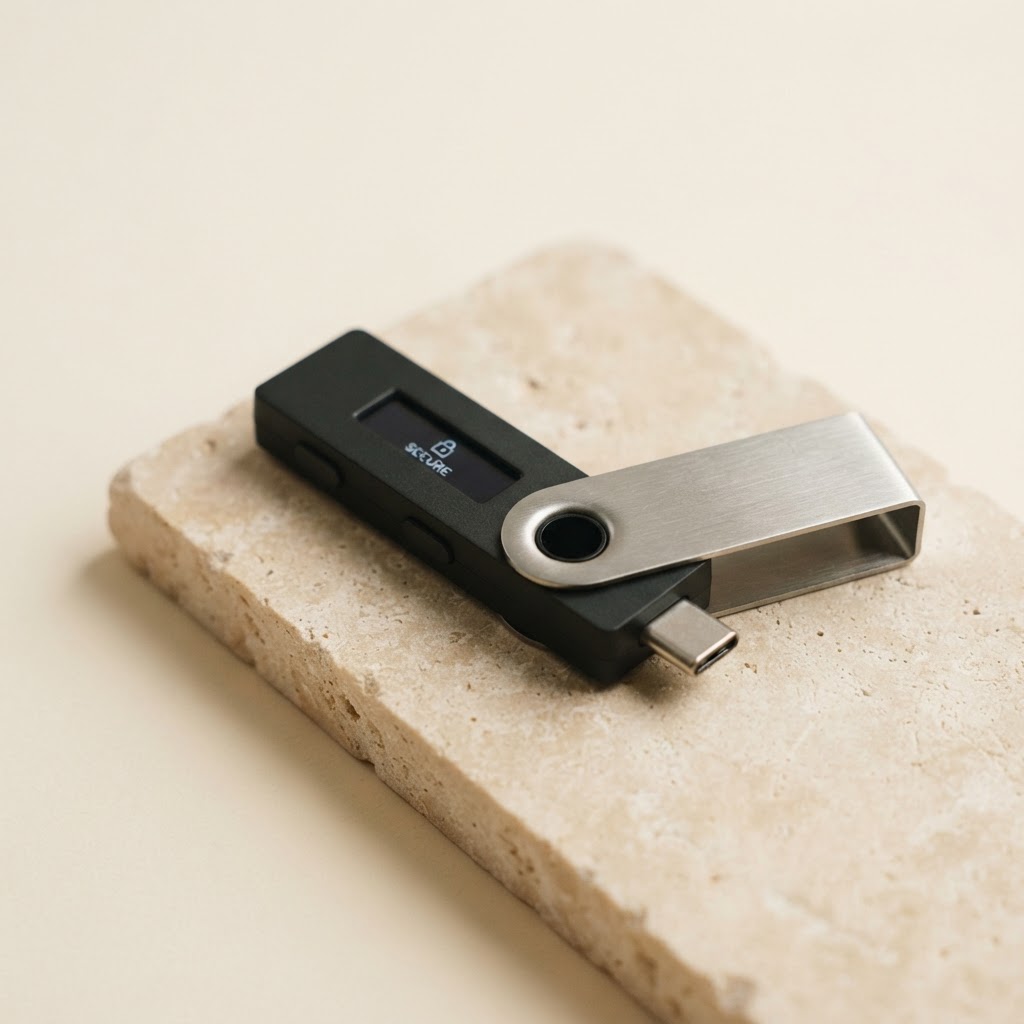
Start with a trusted device
Buy directly from Ledger or an authorized retailer. A genuine Ledger arrives without a pre-filled recovery phrase. If anyone gives you one, do not use it.
A calm, step-by-step guide to setting up your Ledger hardware wallet—and keeping your recovery phrase yours alone.
Initialize the device yourself. Write your recovery phrase offline. Never share it with anyone.
The one rule to rememberKeep your device close and give yourself a few uninterrupted minutes. You can check off each step as you go.
Buy directly from Ledger or an authorized retailer. A genuine Ledger arrives without a pre-filled recovery phrase. If anyone gives you one, do not use it.
Visit ledger.com/ledger-live by typing the address yourself. Download the desktop or mobile app for your device, then follow the on-screen authenticity check.
Connect or power on your device and choose “Set up as a new device.” Use its physical buttons or touchscreen to choose a PIN that only you know.
Your device will show a unique 24-word recovery phrase. Write every word down in order on paper and verify it on the device when prompted.
Complete Ledger Live’s genuine check, add only the accounts you need, and make a small test transaction before moving larger amounts.
Treat your recovery phrase like the master key to every asset protected by your wallet. Ledger support, a friend, or a website will never need it.
Stop. It’s a scam—even if the message looks urgent, official, or helpful.
SECURITY NOTE / 001Crypto scams often imitate familiar brands. Type these addresses yourself or use Ledger’s verified website—don’t follow unexpected links.
This independent guide is for general education, not financial advice. Always follow the current instructions for your exact device model on Ledger’s official site.
Keep it simple. If in doubt, verify through Ledger’s official support site.
No. Never enter your recovery phrase into a website, app, computer, or phone—not even an app that looks official. Only enter it directly on your Ledger device when restoring access.
Your assets can be recovered on a compatible wallet using your recovery phrase. That is why it must remain private, legible, and stored somewhere safe. If someone else finds it, they may control your assets.
Ledger Live is Ledger’s companion app for managing accounts and installing apps. Your device protects your private keys. Use Ledger’s official support pages to check the current setup process for your specific model.
No. This is an independent educational guide and is not affiliated with Ledger. For model-specific instructions and the latest security information, go directly to ledger.com.